

Showing posts with label Maya. Show all posts
Showing posts with label Maya. Show all posts
Smoke Playblast
This time I experimented with fluid effects because we want to fill our background with a thick fog rather a matte painting in order to achieve in even more photorealistic feel.


Environment Polishing
This time I experimented more with lighting, rendering and post editing techniques. I randomly added some moss and rock textures in between bumps to make it look more organic. In order to make our environment even more photographic I added just a little bit of chromatic abertion and grain to the finished render. Imitating camera flaws might bring some more life to our animation.
Combined layers with color correction, chromatic abertion and grain:


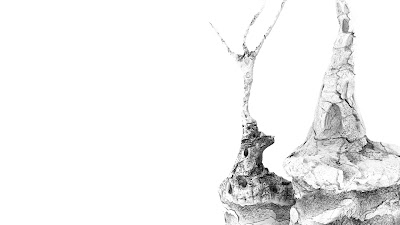

Combined layers with color correction, chromatic abertion and grain:

Separate Layers:


Further Environment Developement
Even though our project is already handed in there is still a lot to do to finish it. We had to fix a lot of issues and bring everything back to maya. New environment actually starts looking pretty good now.


Blend Shapes tests
Here I was playing arround with different layers to get a nice render and checking my head blend shapes. There are still some overlaping polygons , but it won't take long to fix it and also lens blur helps a lot to hide a lot of other problems.
Tree: Ground Texture Experiment
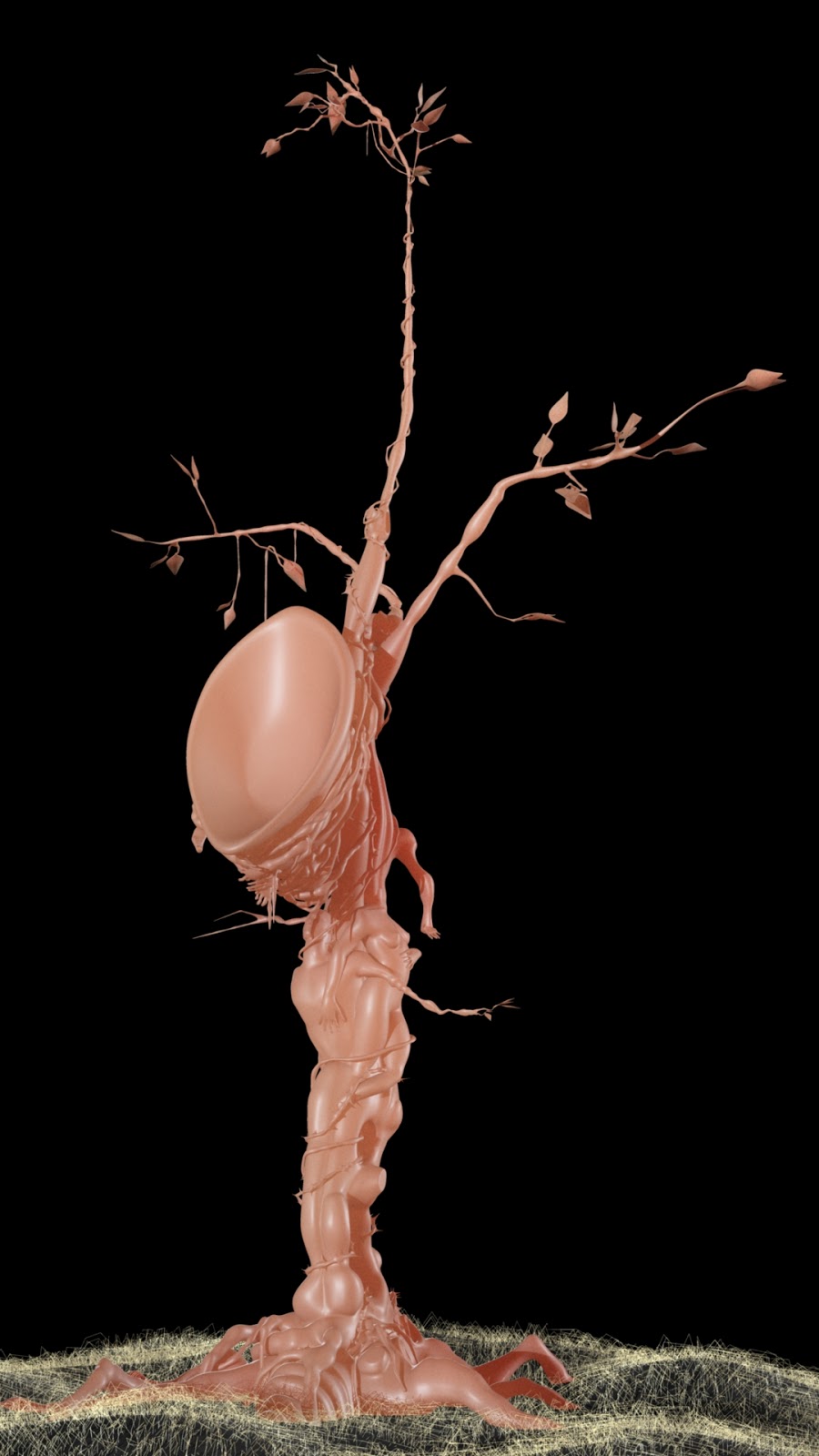
I have created a fleshy looking texture for the ground
surrounding the tree. I have also used nHair to create pale white/pinkish
grass. (Not sure why there is an annoying grey bar over the middle image).



Tree Modelling Progress
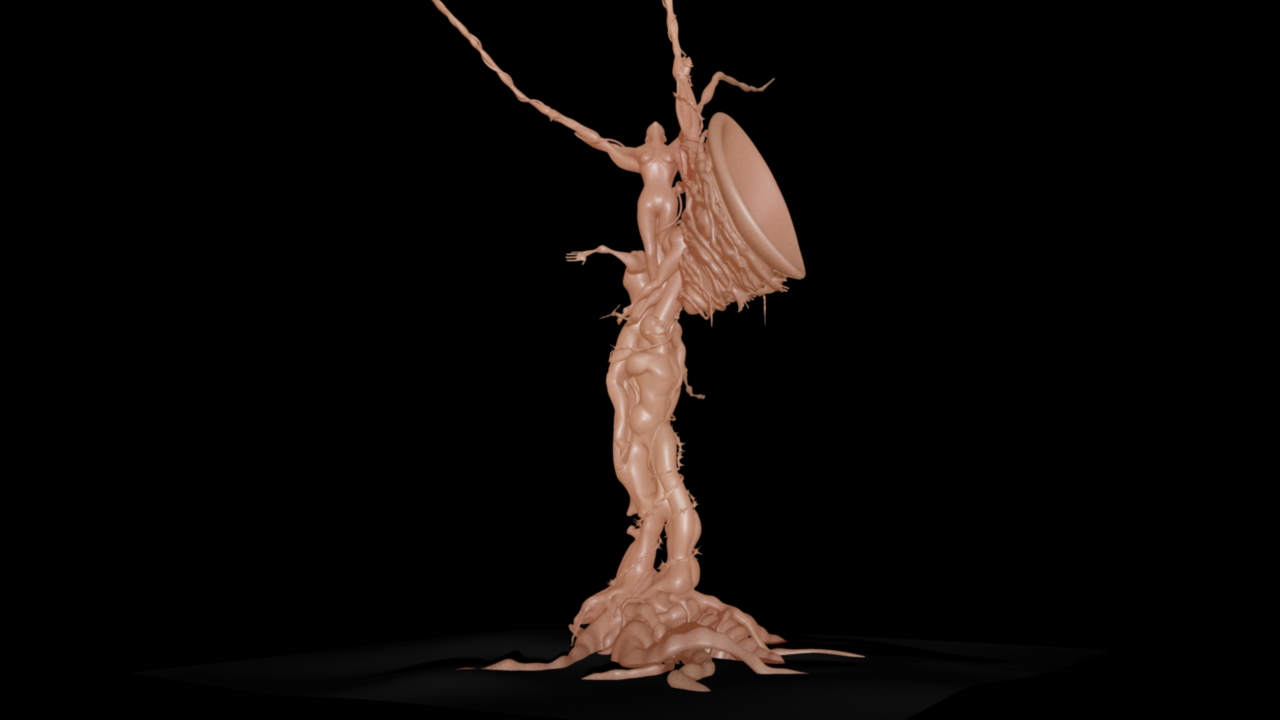
Here are some very quick renders with a
basic skin shader to show the progress of the tree model. The only thing left
to do on this model before we take it in to Zbrush is to create a leafy canopy.


Subscribe to:
Posts (Atom)